
How It Works
FROM PROJECT INFORMATION
TO INTERACTIVE EXPERIENCE
Understand what happens from the first discussion to delivery-and how your team contributes along the way.
A CLEAR PATH.
BUILT TOGETHER.
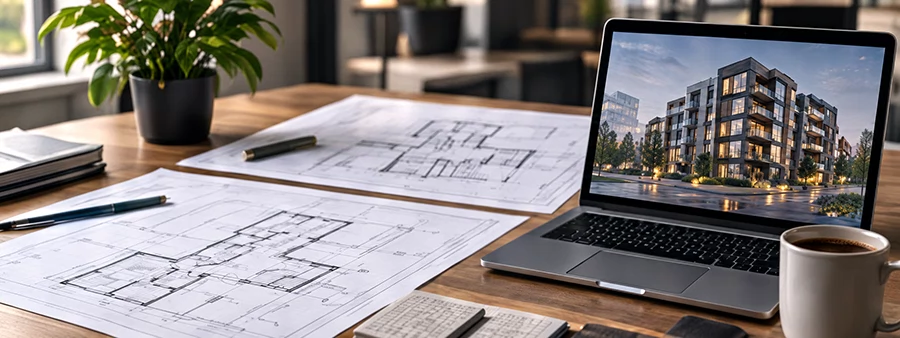
UNDERSTAND & DEFINE
YOU - APEXIA
- Define the project scope, phases, units, location.
- Review façade, landscape, amenities presentation.
- Confirm Windows or web delivery.
- Review your CRM structure and data integration.
- Agree on the required custom features.
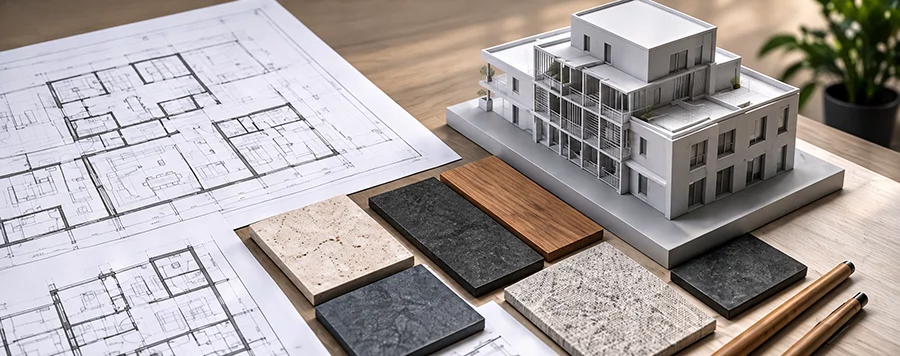
PREPARE THE DATA
YOU
- Provide the complete architectural drawings.
- Supply all project 3D model files.
- Share existing renders and visual references.
- Provide unit details.
- Supply amenity descriptions.
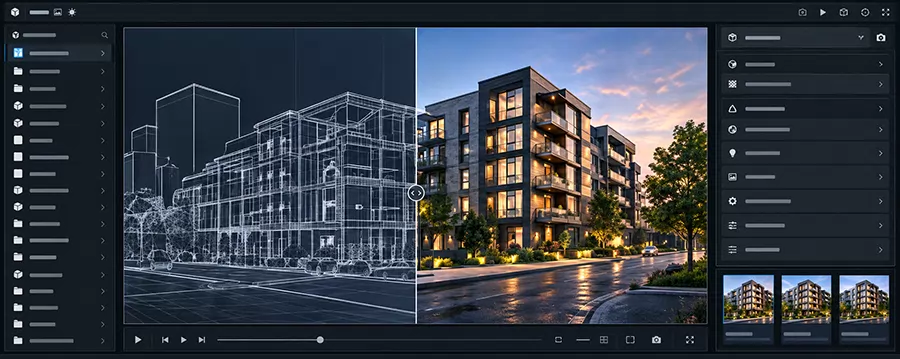
BUILD THE FUNCTIONALITY
APEXIA
- Check the supplied 3D models against the drawings.
- Optimize the models for interactive use.
- Build the scene in Unreal Engine.
- Add exploration and presentation functions.
- Add the sales features and unit-data connections.
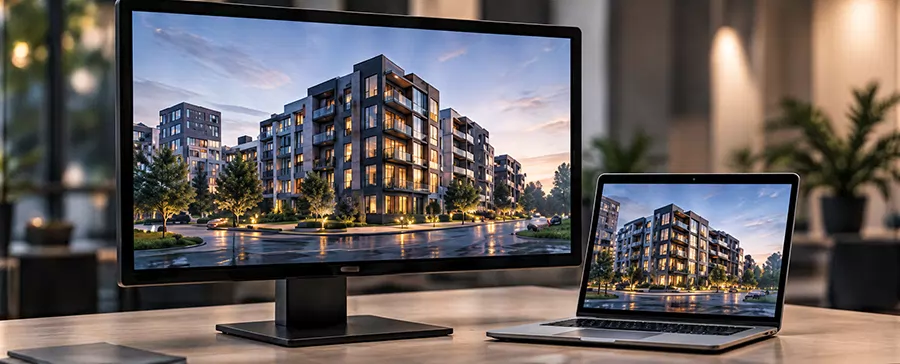
REVIEW & DELIVER
YOU - APEXIA
- Review the visual scene at agreed checkpoints.
- Your feedback on the software.
- Refine the visuals and functionality.
- Deliver the Windows version as an EXE.
- Without installation, just double-click & use.
BEFORE BEGIN
FEW PRACTICAL QUESTIONS.
How is an interactive application different from renders or a video?
An interactive application lets the presentation follow the buyer’s questions. Your team can explore the development with full camera control, switch between units, compare options, and explain details during the conversation. It adds an experience buyers can actively explore alongside your existing marketing materials.
What can buyers explore in the real estate application?
Depending on the agreed scope, buyers can explore buildings and amenities, filter and compare units, review floor plans and payment schedules, and experience interiors and balcony views. We select the relevant capabilities for your development and sales process.
What is the difference between the showroom, web, and kiosk versions?
The showroom version is a Windows application for immersive presentations on a gaming PC and connected screen in your office. The web version offers a lighter experience through your website that enables users to explore from their homes. The kiosk uses the web experience on a suitable Windows or Android setup to present your development in public locations such as malls, airports, etc.
What do you need from us to get started?
Share your project details, architectural drawings, unit layouts, available 3D models, branding, and visual references. For sales features, we also need the relevant unit information, availability, prices, and payment schedules. We review the materials and identify what is needed for the agreed experience.
How long does a project take?
Delivery time depends on the size of the development, modelling requirements, selected features, delivery formats, and readiness of your materials. We review these factors before confirming a production schedule. If you have a launch date, share it at the start.
Can Apexia integrate with our CRM
CRM integration can be included after we review your system and the required information exchange. Compatibility depends on the access and integration options your CRM provides. The supported fields, update process, and responsibilities are agreed for the project.
How much does your 3D sales app cost?
Pricing depends on the projects scope, number of buildings and units, modelling work, number of distinct amenities spaces and layouts, visual detail, selected features, integrations, and delivery formats. Share your project information and intended use so we can prepare a quotation for the required scope.
Can we see a demo before deciding?
Yes. Request a demo and tell us which solution interests you. We can show relevant completed work and discuss how the capabilities relate to your project. For services without an Apexia case study, we will explain what is available to demonstrate.